- 1
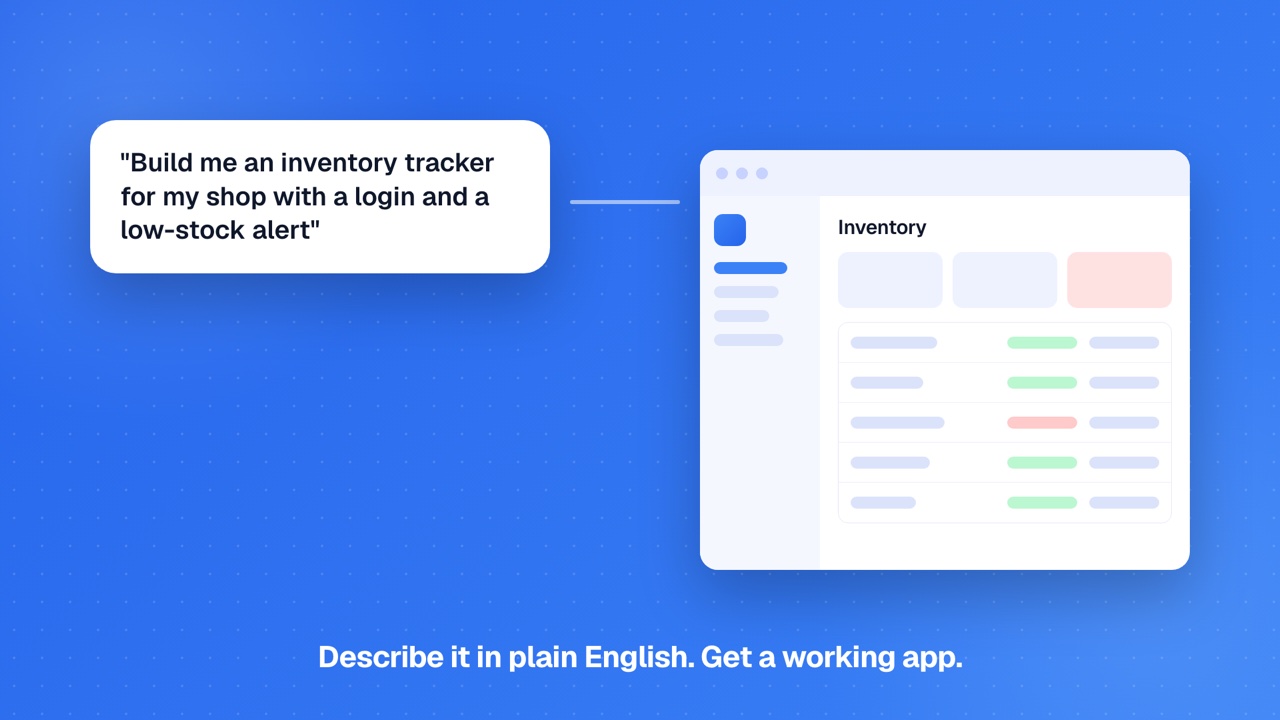
Describe your app in plain English
Tell GenMB what you want to build using natural language. GenMB detects your intent, plans the structure, and chooses the right framework.
- 2
AI generates multi-file code with error healing
GenMB generates complete source code across multiple files - frontend, backend logic, and database schemas. Code Healer automatically detects and fixes errors during generation.
- 3
Preview, edit visually, and refine via chat
See your running app in a live preview. Click elements to edit them visually, or describe changes in chat. Iterate until it is exactly right.
- 4
Deploy to your custom domain
Deploy with one click to yourapp.genmb.com or connect your own custom domain with automatic SSL. Your app is live within seconds. Every generation also runs security and SEO scans while it builds, and after every change GenMB tests your app. If it finds real breakage, fixing it is free with one click.
- 5
Keep it running
Wire the logic together in the visual workflow builder (19 node types), put it on a schedule with cron agents, and answer people through chat agents on Telegram, Slack, and Email. 80 plugins connect the tools you already use, and every app serves its own MCP endpoint so ChatGPT or Claude can call it.
Your idea could be next
Type it below. Your app is live in minutes.
Free to start. Every paid plan has a 30-day money-back guarantee if you haven't used any credits. See pricing